
How do I create a plan in Subscription Payments?
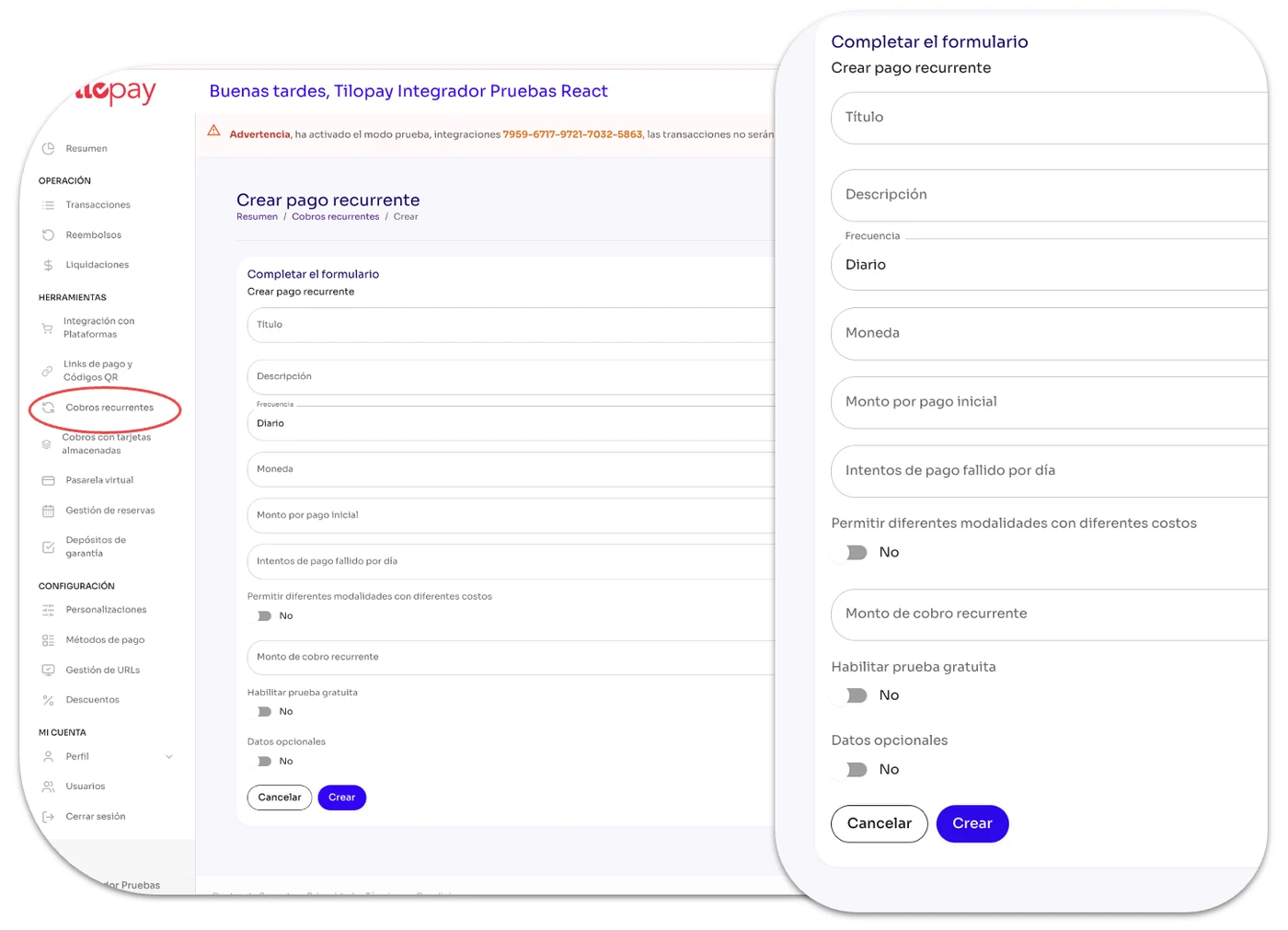
In the Subscription Payments section, you’ll find buttons to Create a new recurring payment and Upload Excel to upload a list of recurring payments.
In the Subscription Payments section, you’ll find buttons to Create a new recurring payment and Upload Excel to upload a list of recurring payments.
If you add subscribers’ email addresses to the Excel file, the Tilopay Admin Panel will email them a subscription notification.
[image 95]
[table 96]
[table 98]
[image 98]
[table 99]
[image 99]
[table 100]
[image 100]
[table 101]
[image 101]