
How Do I Share an Open Payment Link?
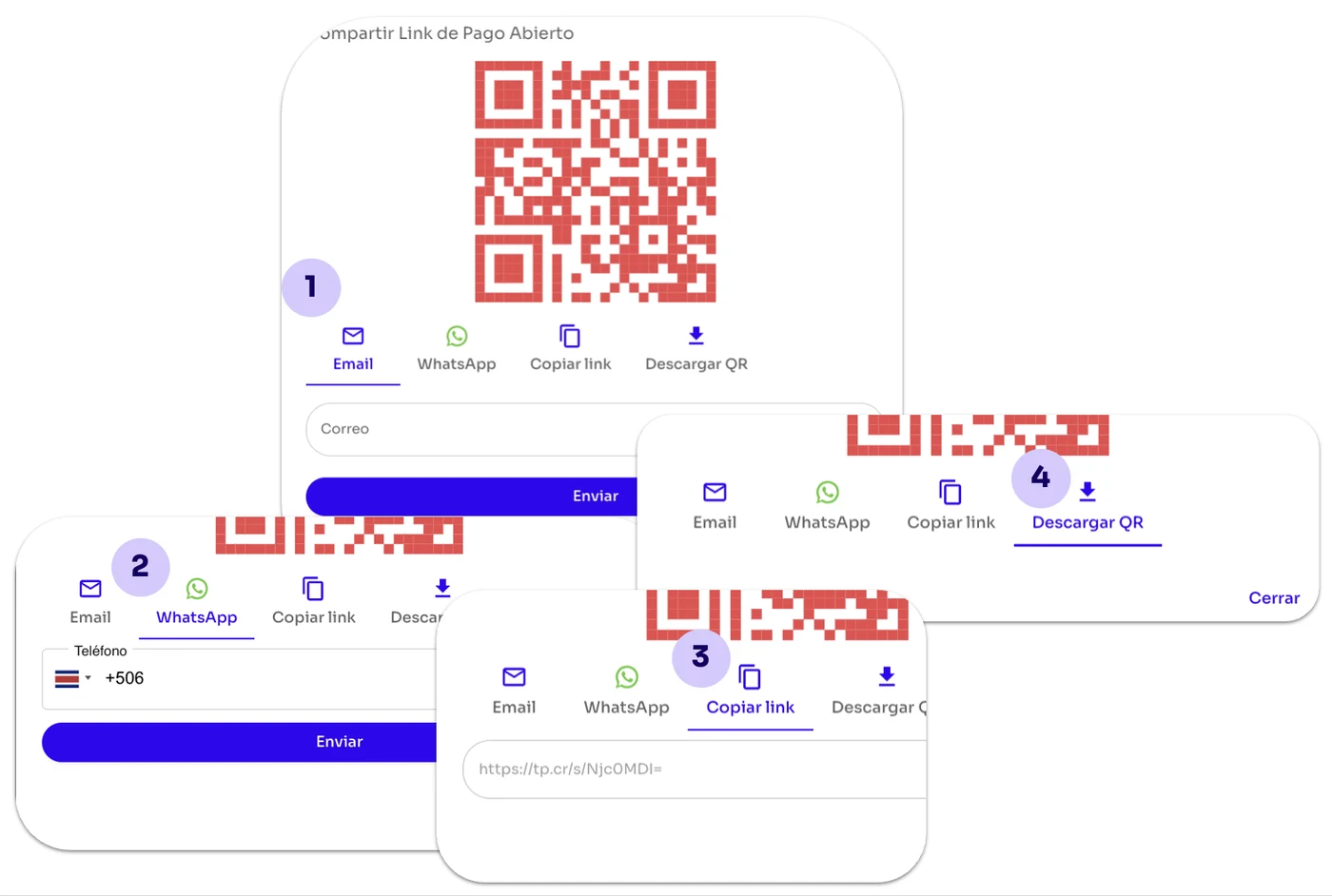
You can share the Open Payment Link via:
You can share the Open Payment Link via:
Email: Enter your customer's email address, or multiple customer email addresses separated by commas (,).
WhatsApp: Enter your customer's country code and phone number.
Copy link: As the name suggests, this option copies the link so you can send it.
Download QR code: This option lets you download the QR code so your customers can scan it and open the Open Payment Link.
When your customer opens the Open Payment Link, they can select the currency, choose the desired amount, and enter any details or description they want.
Letting your customer enter these details gives them more flexibility during the payment process.
Once they complete the fields, the button that takes them to the integrated checkout will become available. This is where your customer enters the card details they'll use to make the payment.
[image 90]